 Breadcrumb
ProductMonitoring
Tickets
Tickets are created automatically by the scan agent or manually by you. They represent an issue or pattern worth investigating.
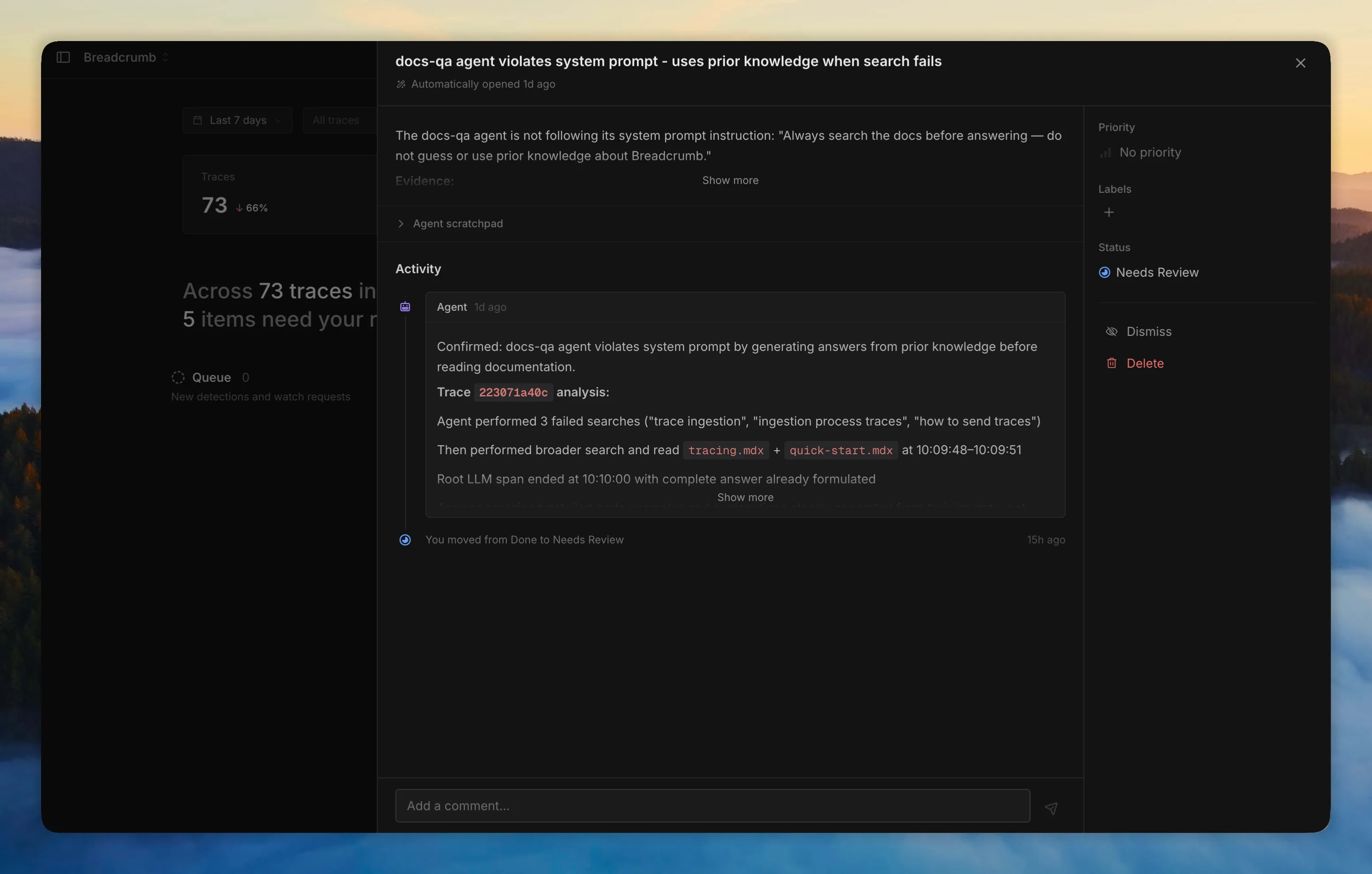
Each ticket has:
- Priority - critical, high, medium, low, or none
- Labels - custom tags for categorization
- Linked trace names - which agents or workflows are affected
- Comments - conversation between you and the investigation agent
- Activity timeline - status changes and processing events
Leave a comment on any ticket and the investigation agent will respond with follow-up analysis.
The scan agent checks for duplicates before creating new tickets to keep your board clean.