 Breadcrumb
ProductMonitoring
Overview
The monitor is a kanban board on your project overview. An AI agent scans your traces and creates tickets when something looks wrong.
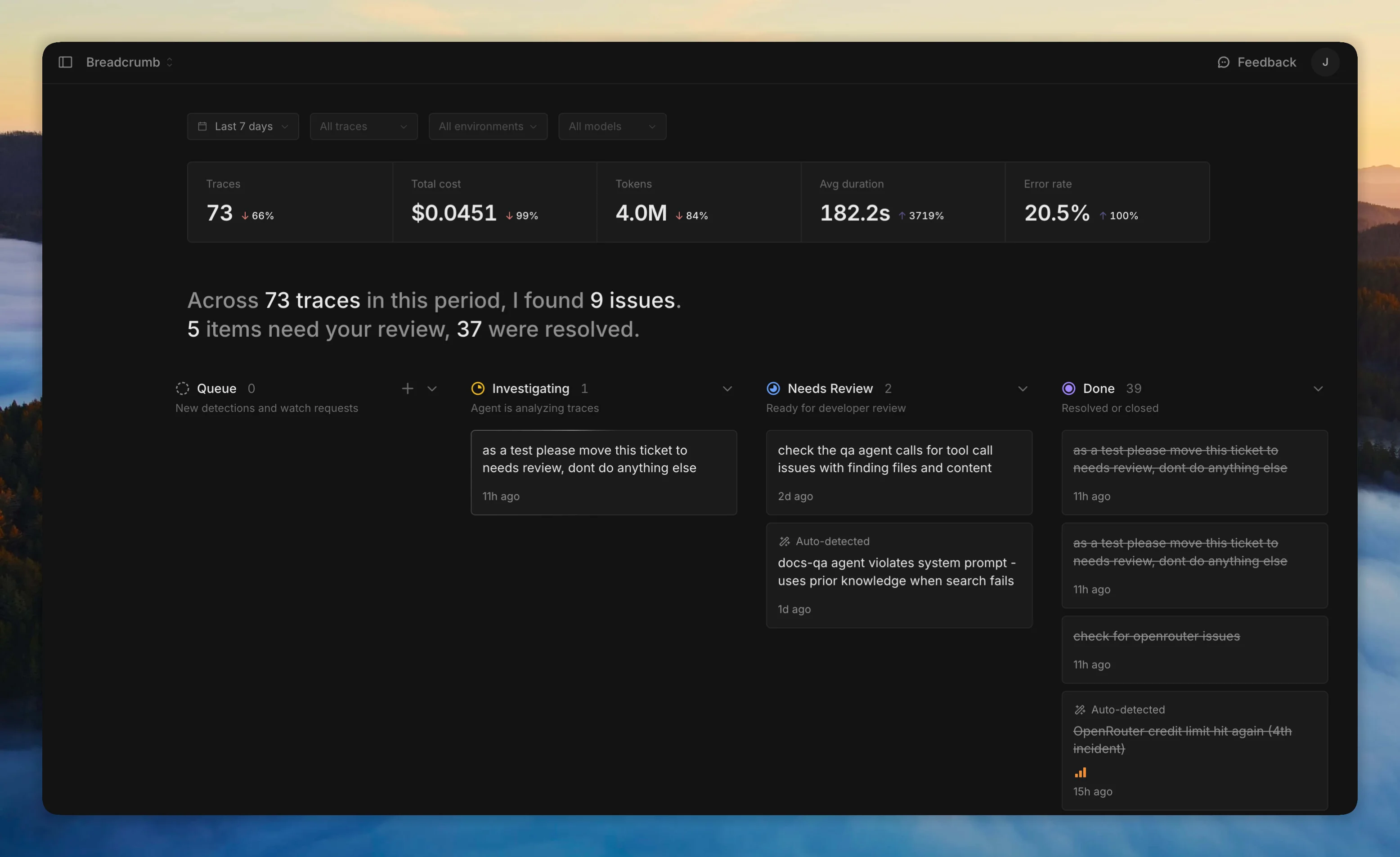
Tickets move through four columns: Queue → Investigating → Review → Done. You can also create tickets manually for things you want the agent to look into.
Click a ticket to see the agent's findings, leave comments to ask follow-up questions, and manage priority and labels.
The monitor requires an AI provider. Configure scan intervals and cost limits in agent settings. Get notified about findings via Slack or Discord.