 Breadcrumb
ProductIntegrations
Webhooks
Connect Slack or Discord to receive notifications when the monitor finds issues.
Setup
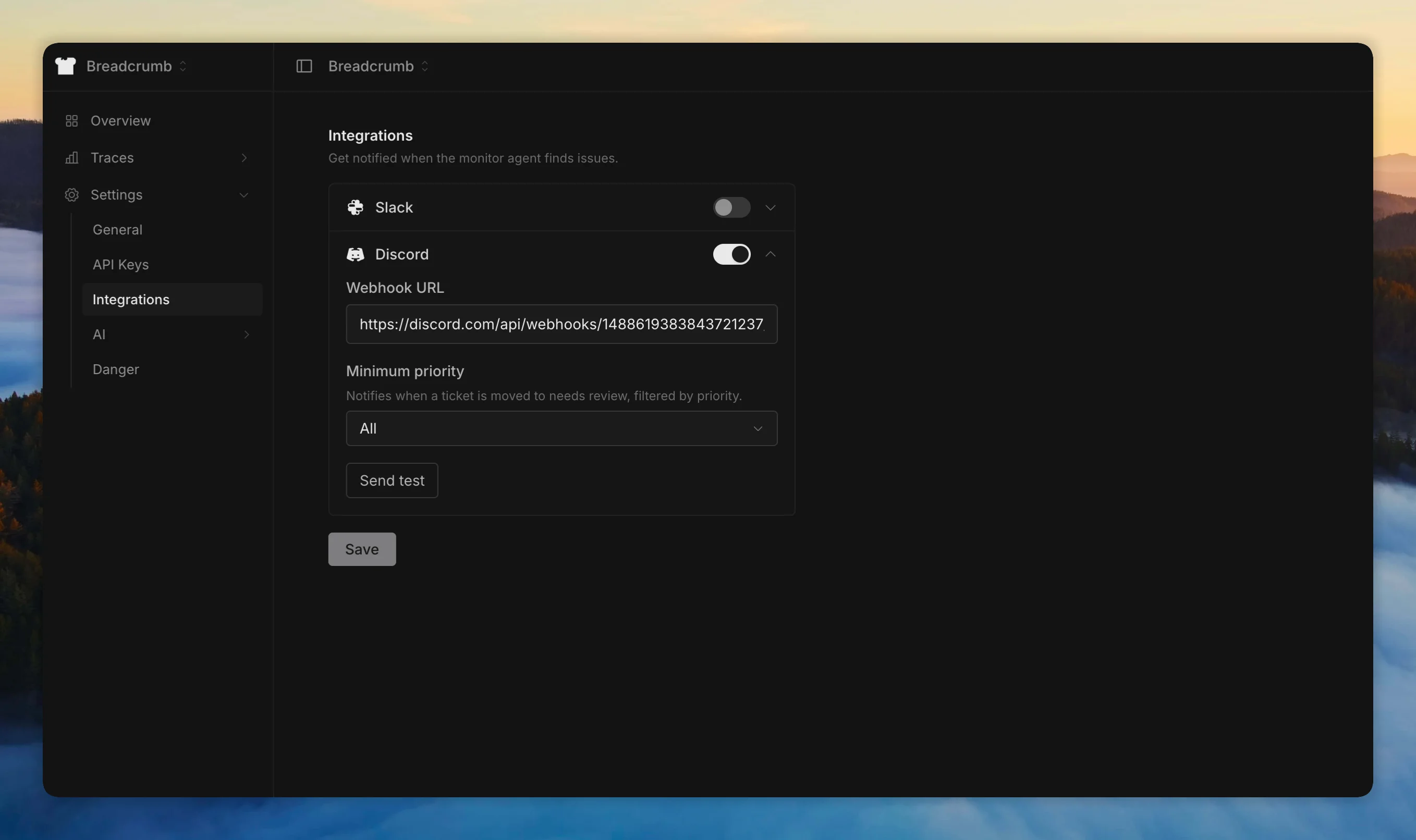
Go to your project settings under Integrations. Add a webhook URL for Slack or Discord.
Filtering
Set a minimum priority threshold to control which findings trigger notifications. For example, set to Medium to only receive notifications for medium, high, and critical issues.
What gets sent
Notifications are sent when the investigation agent moves a ticket to Review status. The message includes the ticket title, priority, and a link to the ticket in Breadcrumb.