 Breadcrumb
Guide
Monitoring
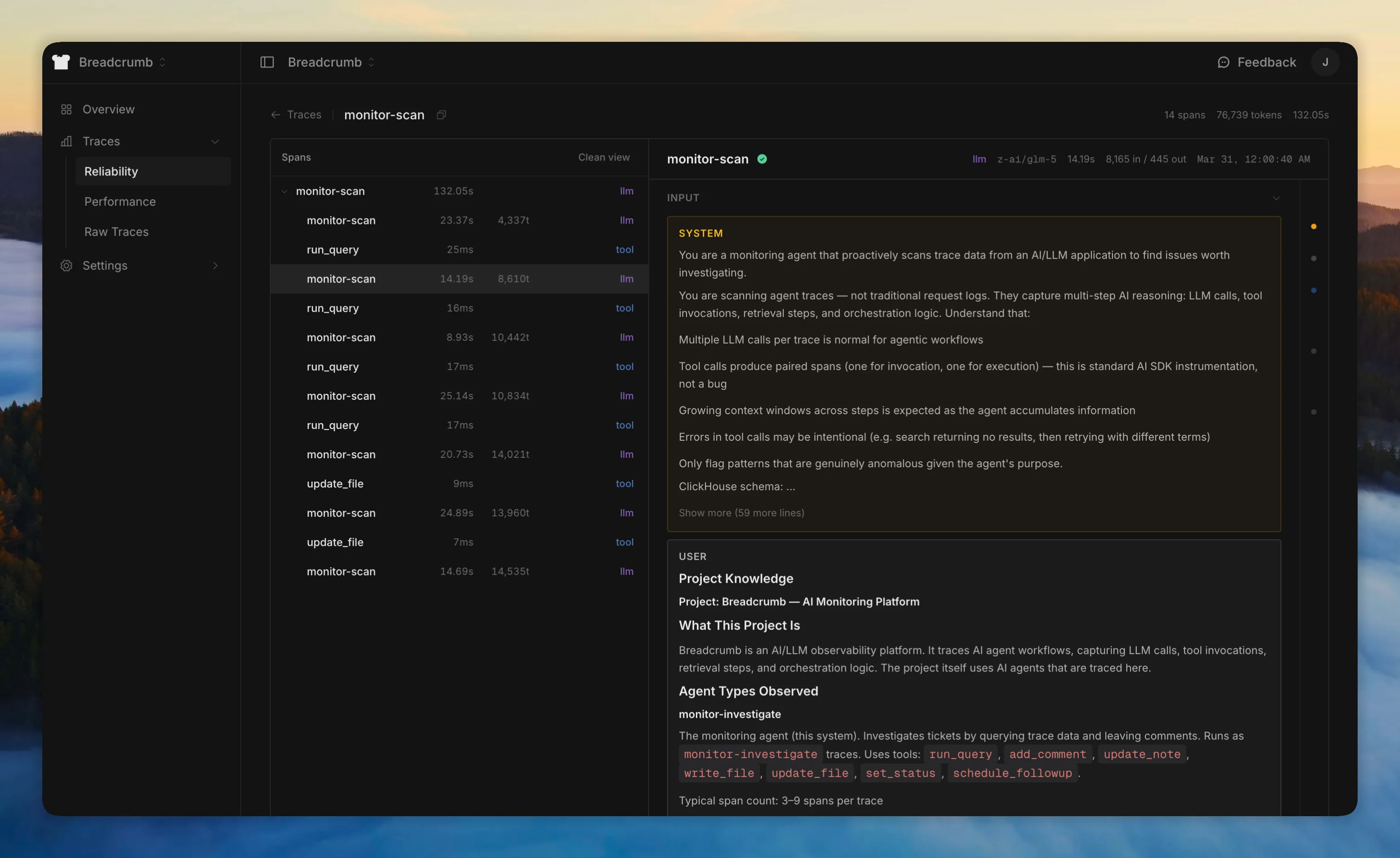
Other tracing tools give you logs and expect you to find the problems yourself. Breadcrumb runs an AI agent that reads your traces, understands what your code was trying to do, and tells you when something went wrong.
How it works
- You ship code. Traces flow in automatically via the SDK.
- Breadcrumb finds issues. The monitor scans your traces and opens tickets on a kanban board when something looks wrong.
- You review. Each ticket has a verdict, priority, linked traces, and evidence. Ask follow-up questions in comments and the agent investigates further.
The monitor learns your project over time - what's normal, what's expected, what's noise - so it gets better the longer you use it.
What it catches
Hallucination, context loss, intent mismatches, retry loops, cost anomalies, instruction drift - the kind of issues that return 200 OK but produce wrong results.
Setup
Configure an AI provider and the monitor starts automatically. Adjust scan intervals and cost limits in agent settings. Get notified via Slack or Discord.